 Goat Farm
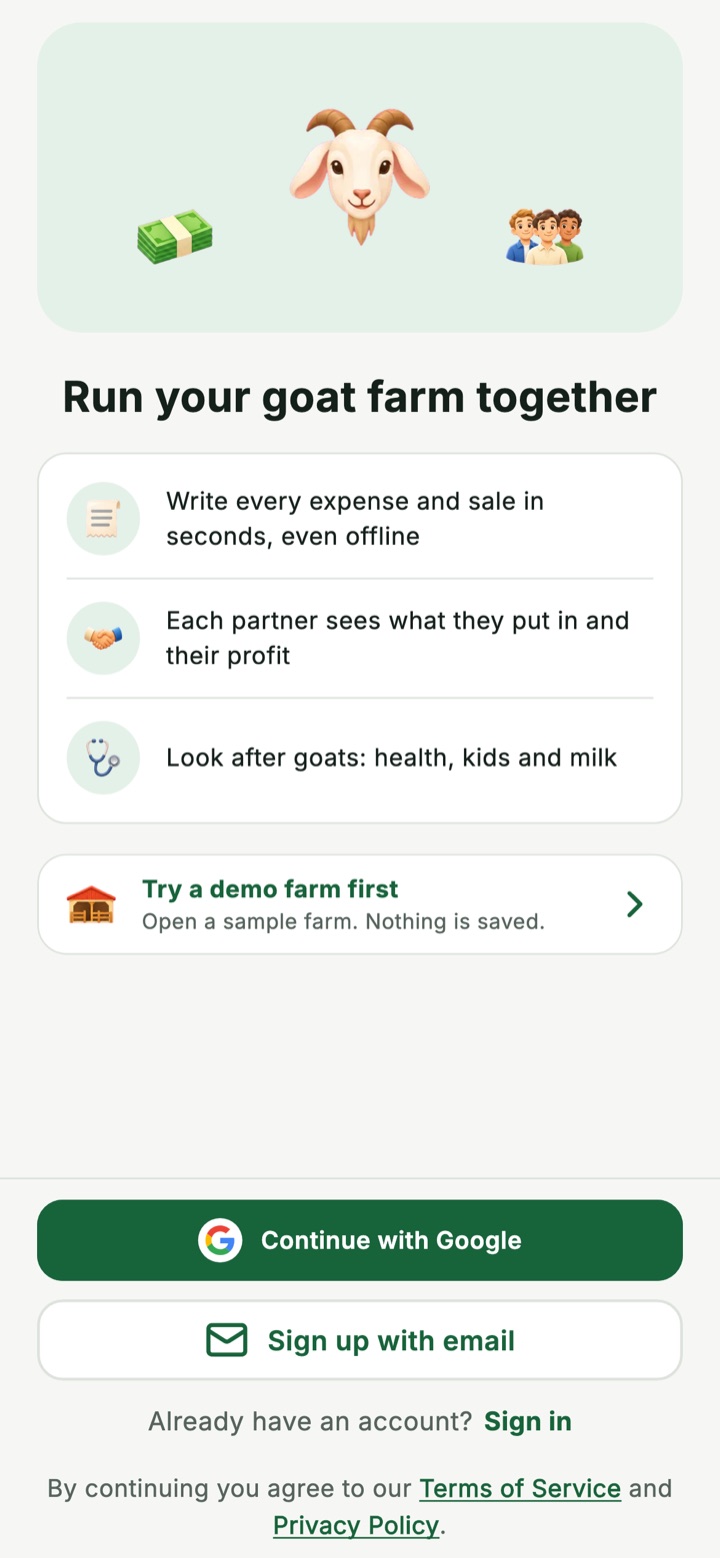
Run your goat farm together
One shared book for every partner, manager and worker. Each expense and sale is written once, by the person who handled it, so everyone can see who paid, what the farm owes them and their share of the profit.
Free on Android. The iPhone version is on the way.
 Works offline
 No ads, nothing to buy
 Demo farm inside
Who paid? The book remembers.
Most arguments between partners start with one question: who paid for what. Tick these entries on and off to see the sums Goat Farm does after every entry.
What happened on the farm
Tap an entry to add it or take it away.
Where the farm stands
Worked out again after every entry.
| Partner | Put in | Farm owes them | Share of profit |
|---|---|---|---|
| Ali50% share | 200,000 | 12,000 | +37,500 |
| Bilal30% share | 120,000 | 0 | +22,500 |
| Hamza20% share | 80,000 | 0 | +15,000 |
Ali paid for the feed himself. The profit goes down, the cash box does not, and the farm now owes Ali 12,000.
An example with made-up numbers. Three partners put in 400,000 between them. In the app, the owner sets each partner's share, and amounts are whole numbers with no currency sign.
Money, written once and clear to everyone
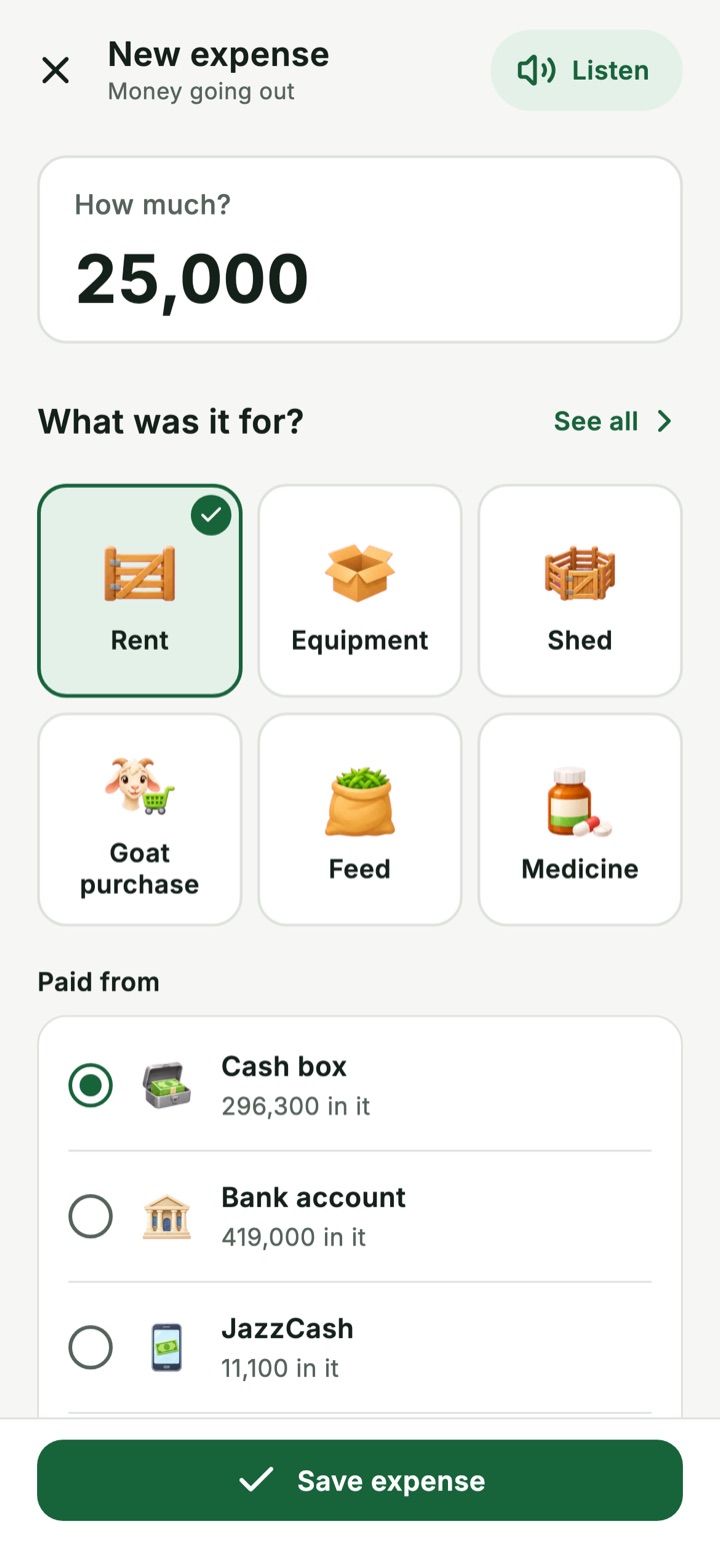
 An expense or a sale in secondsThe amount, what it was for, who paid, and a photo of the receipt.
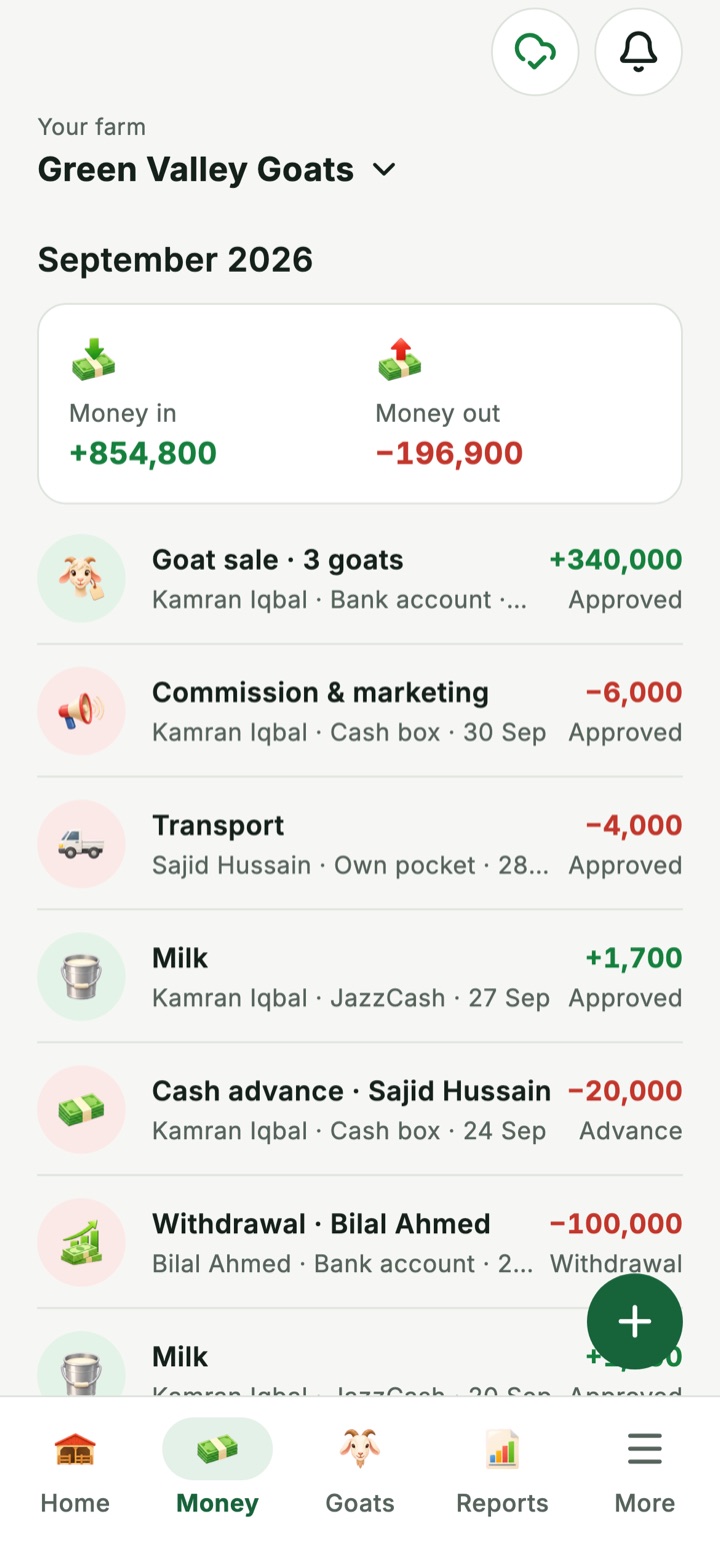
 Paid from my own pocketThe app keeps count of what the farm owes each person until they are paid back.
 Cash box, bank and mobile walletEach place the farm keeps money has its own balance, always up to date.
 Feed on creditBuy from a supplier now, pay later, and see what is still owed.
 Entries that repeatSet up wages or rent once and they come back each time they are due.
Every partner sees their own share
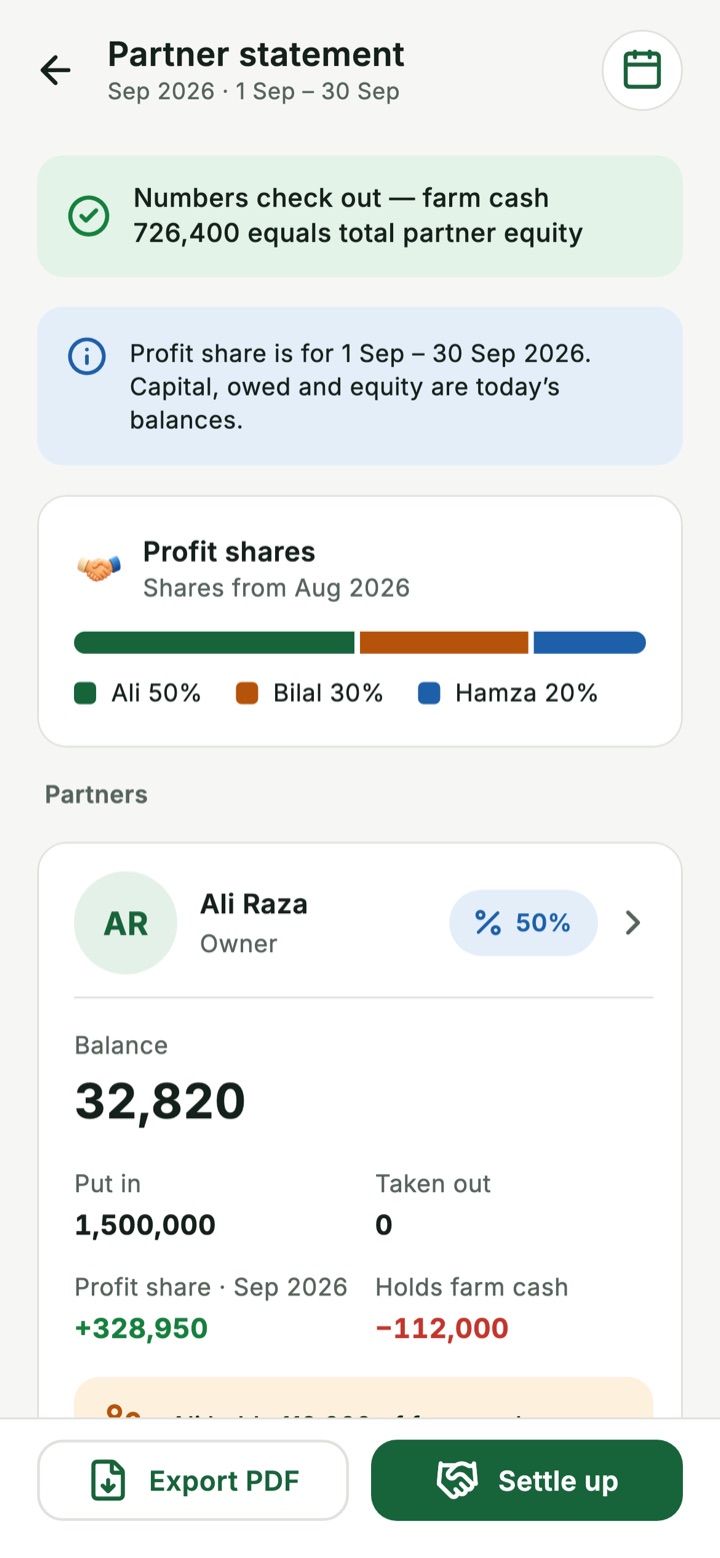
No end-of-season surprises. Each partner opens the same statement the others see.
 What each partner put in and took outInvestments and payouts are recorded against the partner's name.
 Profit split by the shares you agreedThe owner sets the shares. Profit or loss is split month by month.
 Settle upThe app suggests the entries that bring everyone back to zero.
 Close a seasonPay the profit out or keep it in the farm, and lock the old entries.
Your whole herd, goat by goat
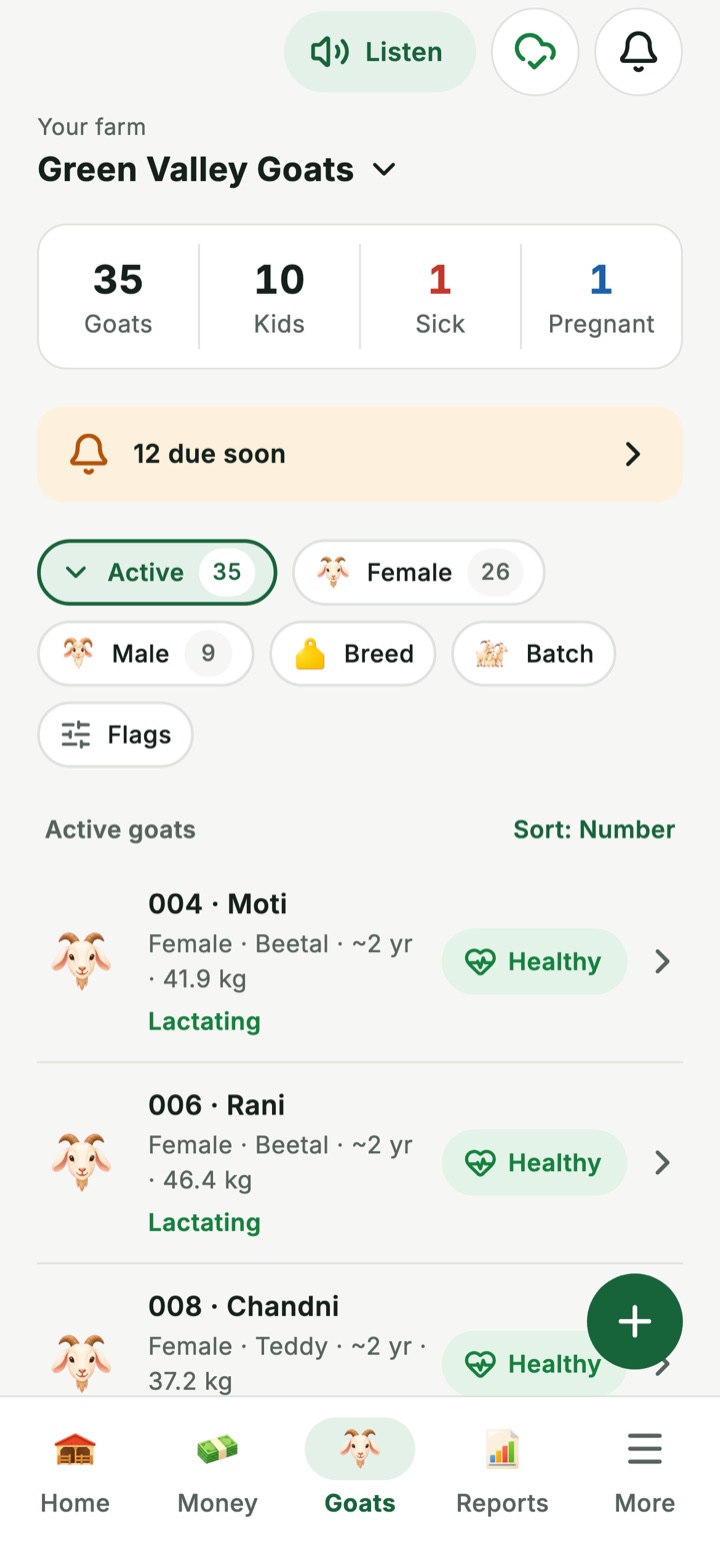
 A page for every goatNumber, photo, breed, age, colour and family tree.
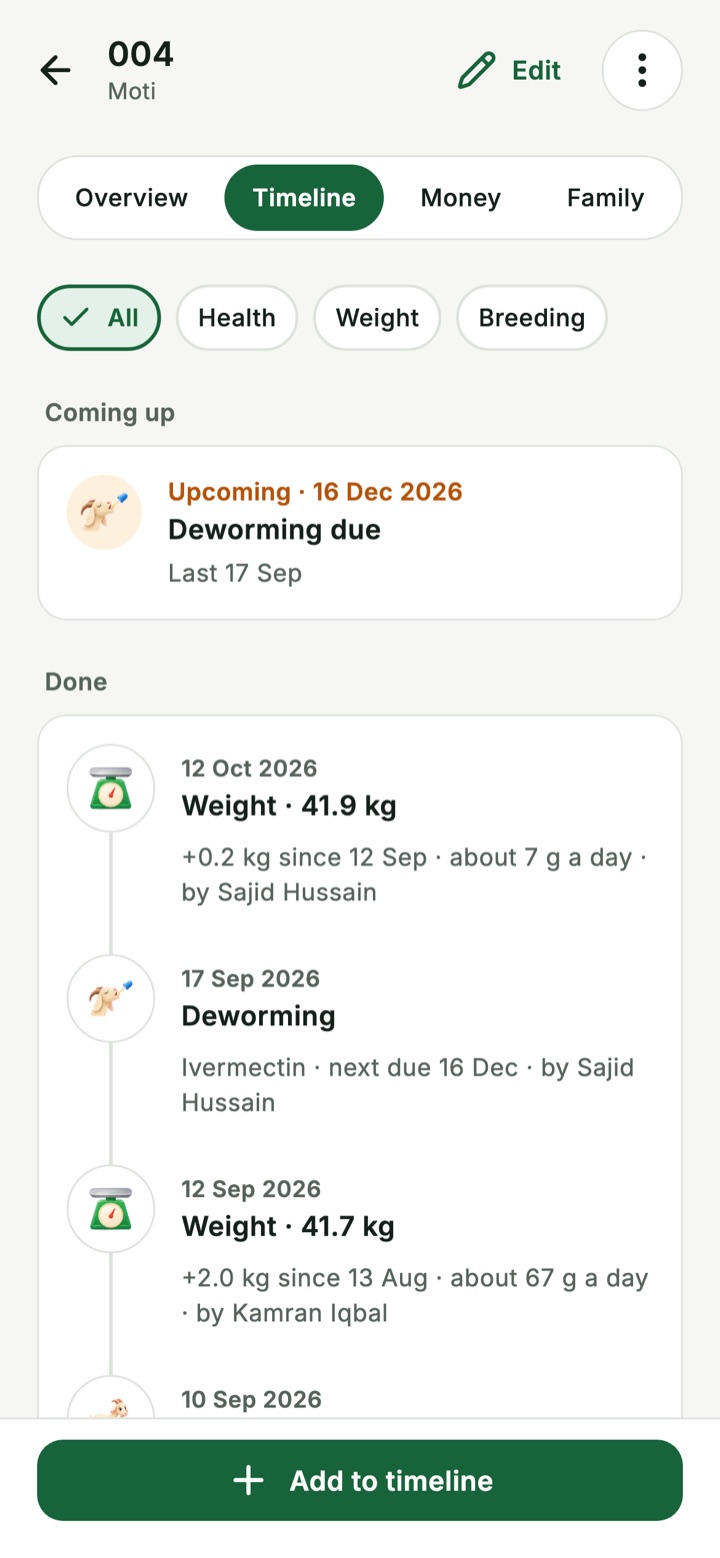
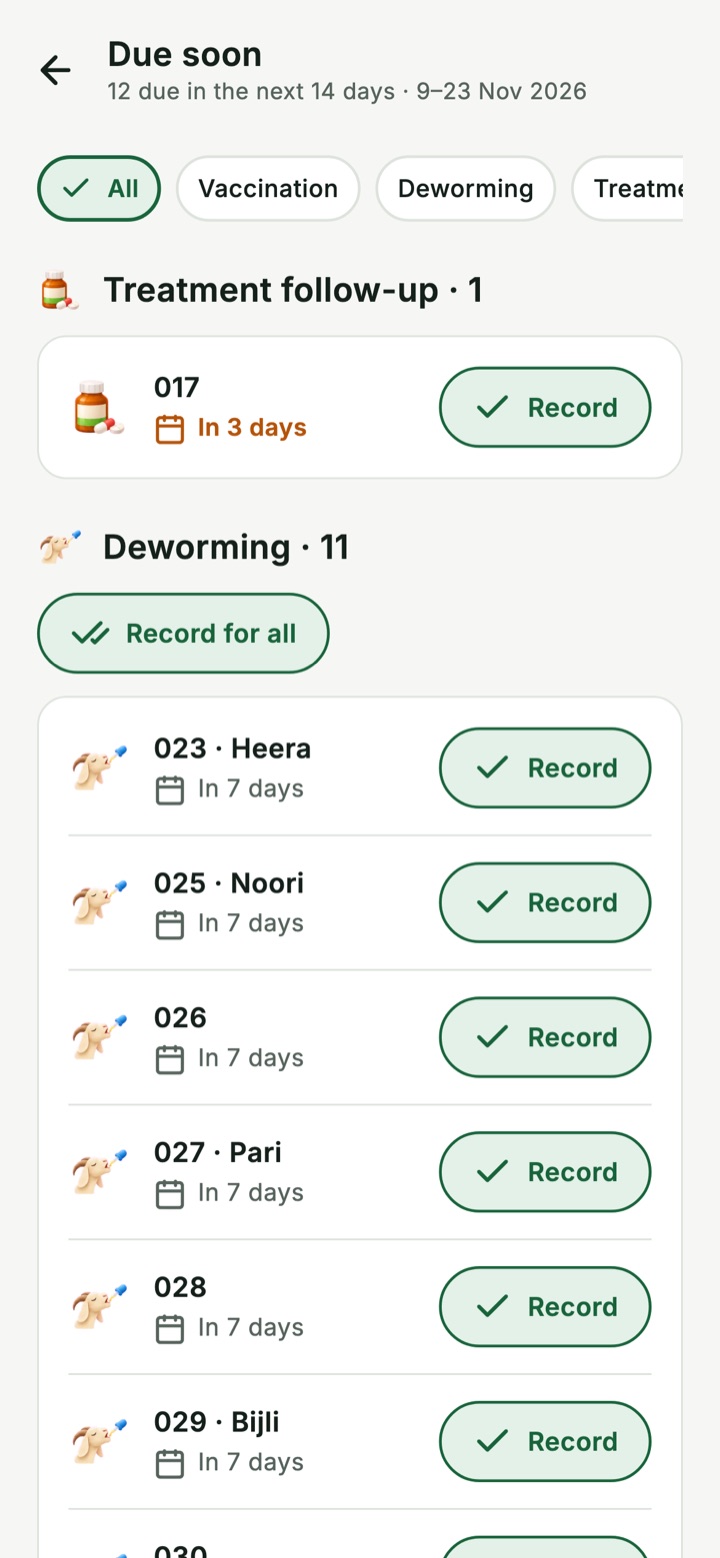
 Health recordsVaccination, deworming, treatment and vet visits, with what is due next.
 Breeding and kiddingExpected dates, and the kids join the herd when they are born.
 Weight, growth and milkWeigh-ins with a growth chart, and a daily milk log.
 Buying and sellingBuy or sell a goat and the money entry is made for you.
 Feed stockWhat is in the store, what was used, and a warning when it runs low.
Workers help. Owners stay in control.
Invite each person with a code, a link or a QR code, and choose what they can do. A worker's money entries wait for approval before they count. Nothing is ever deleted: every change is kept in the history.
| Owner | Partner | Manager | Worker | Viewer | |
|---|---|---|---|---|---|
| Add expenses and sales | Yes | Yes | Yes | Yes, waits for approval | No |
| Record goat care and milk | Yes | Yes | Yes | Yes | No |
| Buy and sell goats | Yes | Yes | Yes | No | No |
| Approve other people's entries | Yes | Yes | Yes | No | No |
| See all the money and reports | Yes | Yes | If the owner allows | Own entries only | Yes |
| Put money in or take it out | Yes | Their own | No | No | No |
| Set shares and close a season | Yes | No | No | No | No |
Made for the farm, not the office
Simple words, a picture beside every word, and big buttons.
- Works with no signalEntries are saved on the phone and sent when the internet comes back.
 ListenOne button reads the screen aloud, for anyone who would rather hear it.
 Simple modeShow only the parts your farm uses. Turn the rest on later.
 App lockA PIN or fingerprint, so nobody else can open the farm on a shared phone.
Reports without an accountant
- Where the farm stands, on the first screenCash in hand, money in and out this month, and what is waiting for you.
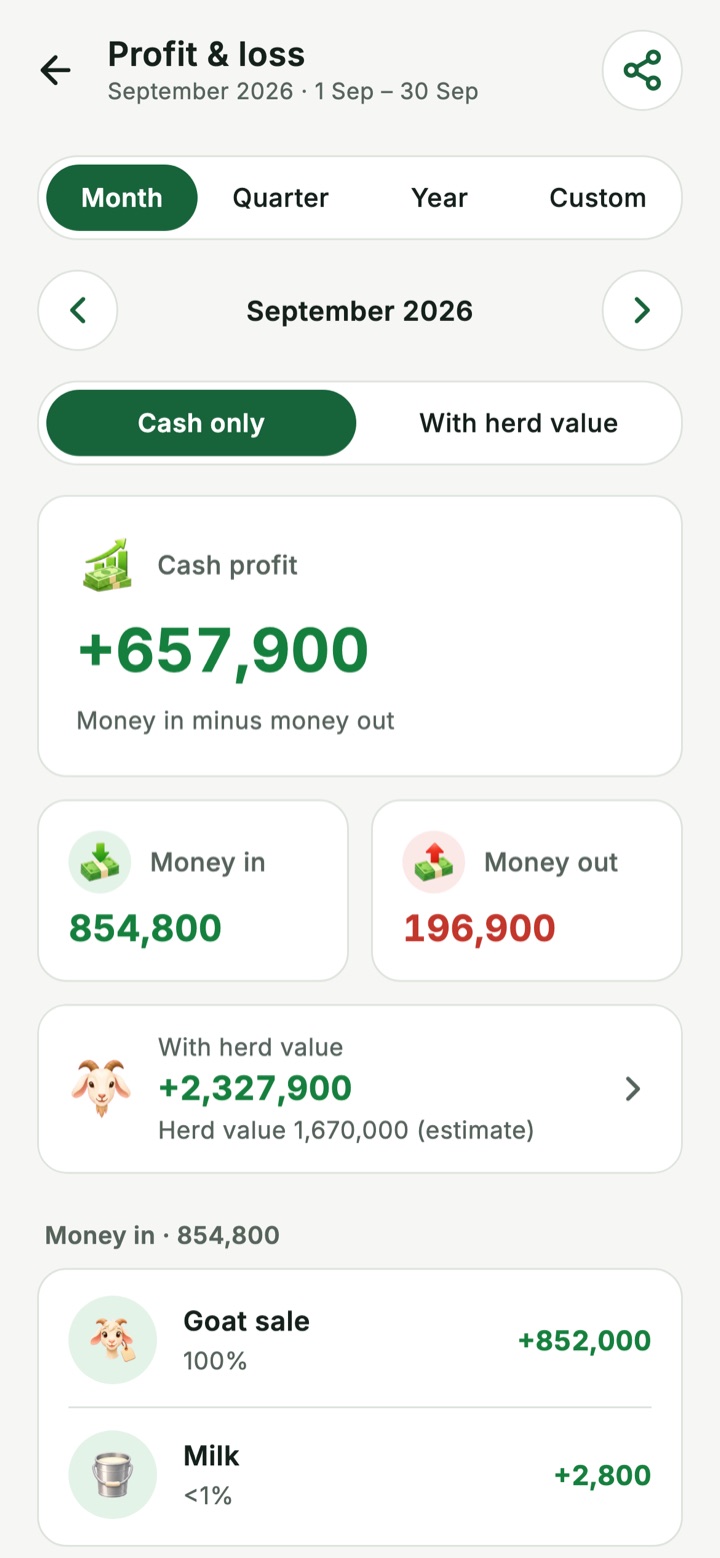
 Profit and loss, month by monthIncome, spending by category and what is left.
 What each goat cost and earnedWhat it cost to raise, set against what it brought in.
 Share a PDF on WhatsAppSend a report or a partner statement to anyone.
 Your records are yoursThe owner can export everything as spreadsheets that open in Excel.
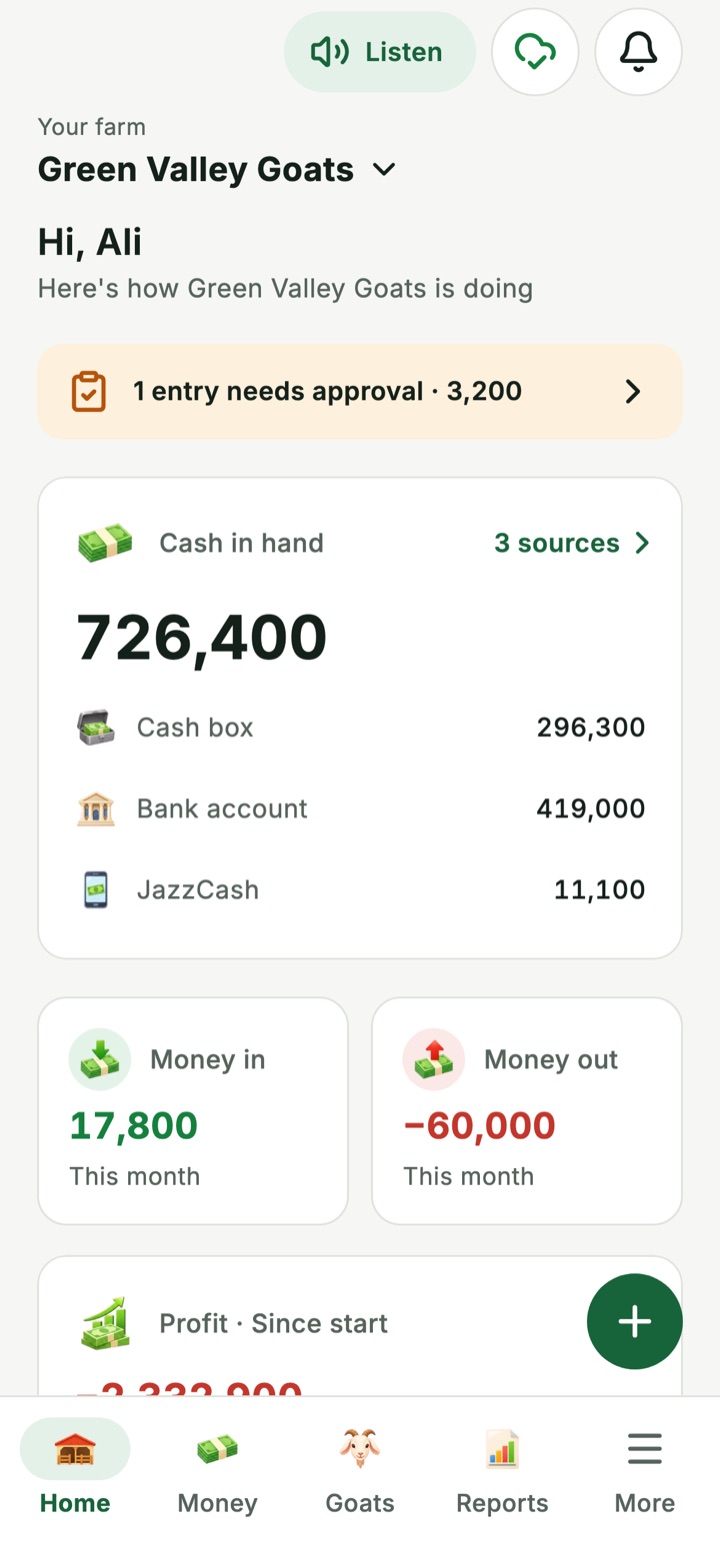
Look around the demo farm first
The app comes with a sample farm: 3 partners, more than 40 goats and real-looking money. Open it, look at every screen, and nothing you do changes it. When you are ready, create your own farm and invite your partners.
 Free. No ads. Nothing to buy.
Questions farmers ask
Is Goat Farm free?
Yes. Goat Farm is free and every feature is included. There are no ads and nothing to buy inside the app. If paid plans are ever added, the price will be shown to you before anything changes.
Does it work without internet?
Yes. You can add expenses, sales, goat care and milk with no signal. The entries are saved on the phone and sent when the internet comes back. A few things need a connection, such as signing in, joining a farm and exporting all data.
Do I have to be good at reading to use it?
No. The app uses simple words with a picture beside each one, and a Listen button reads the main screens aloud using the phone's own voice. The app is in English.
How do my partners and workers join?
The owner invites each person with a 6-character code, a link or a QR code and chooses their role. They install Goat Farm, enter the code, and the owner approves them before they can see anything.
Who can see the farm's money?
Owners, partners and viewers see all the money and the reports. Managers see it if the owner allows. Workers see only their own entries and the herd.
Can a worker change the numbers?
No. A worker's money entries wait for approval before they count. Nothing is ever deleted: every edit is kept in the history with who made it and when.
Which currency does it use?
Amounts are whole numbers with no currency sign, so the app works with rupees or any other currency.
Is it on iPhone?
Goat Farm is on Android first. The iPhone version is on the way.
Can I get my records out of the app?
Yes. Reports can be shared as PDF, and the farm owner can export all farm records as one ZIP file of spreadsheets that open in Excel or Google Sheets. The file is made on the phone.
How do I delete my account?
In the app, open More, then Delete account, and confirm. If you cannot use the app, email us from the address on your account. The full steps are on the delete account page.
Something else? See Help or write to support@gamifyapps.com.